A mood journal for iPhone & iPad

How’s the
weather
in there?

Some days are easy to name. Others, less so. Check in with your inner weather, write a little, or just take a breath.

Find it on the App Store

One purchase. No subscription. No account.

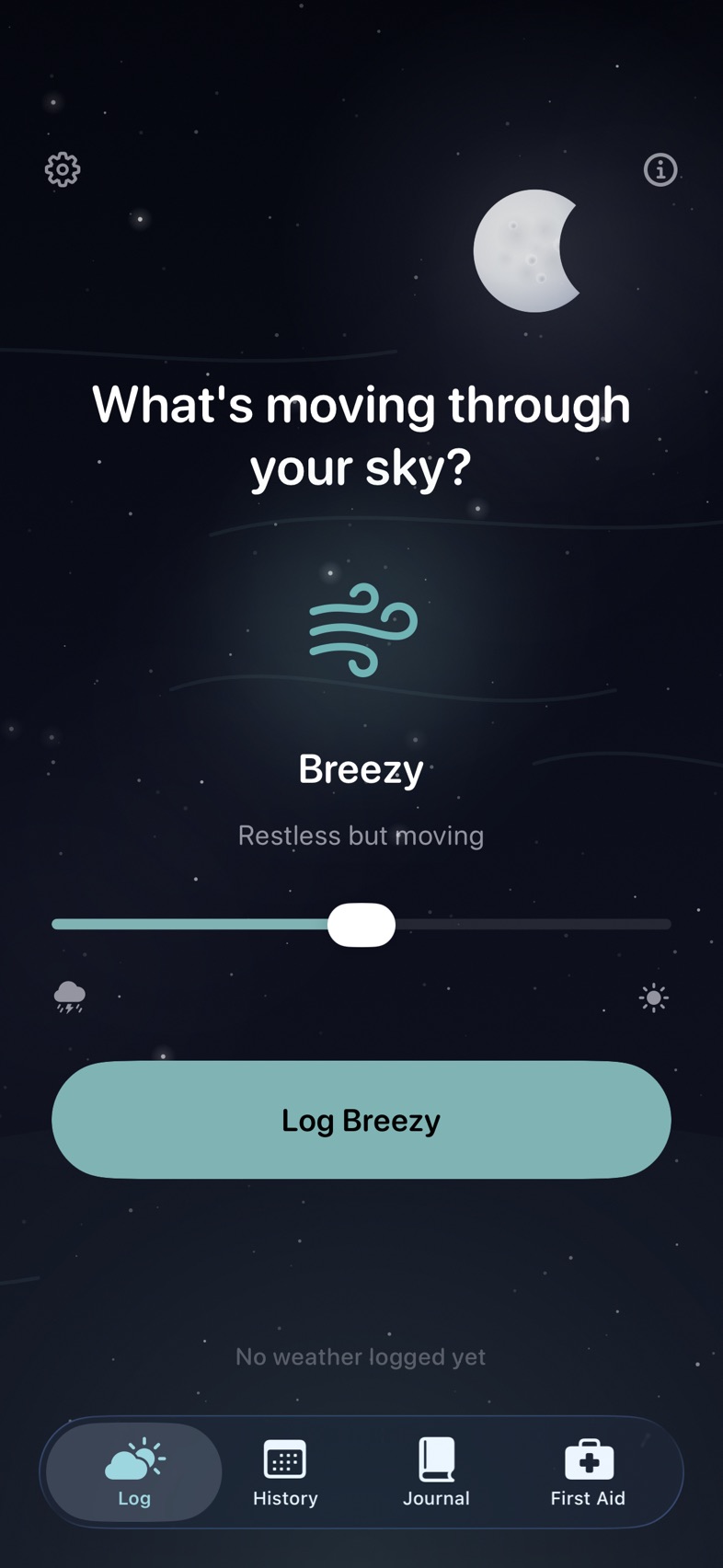
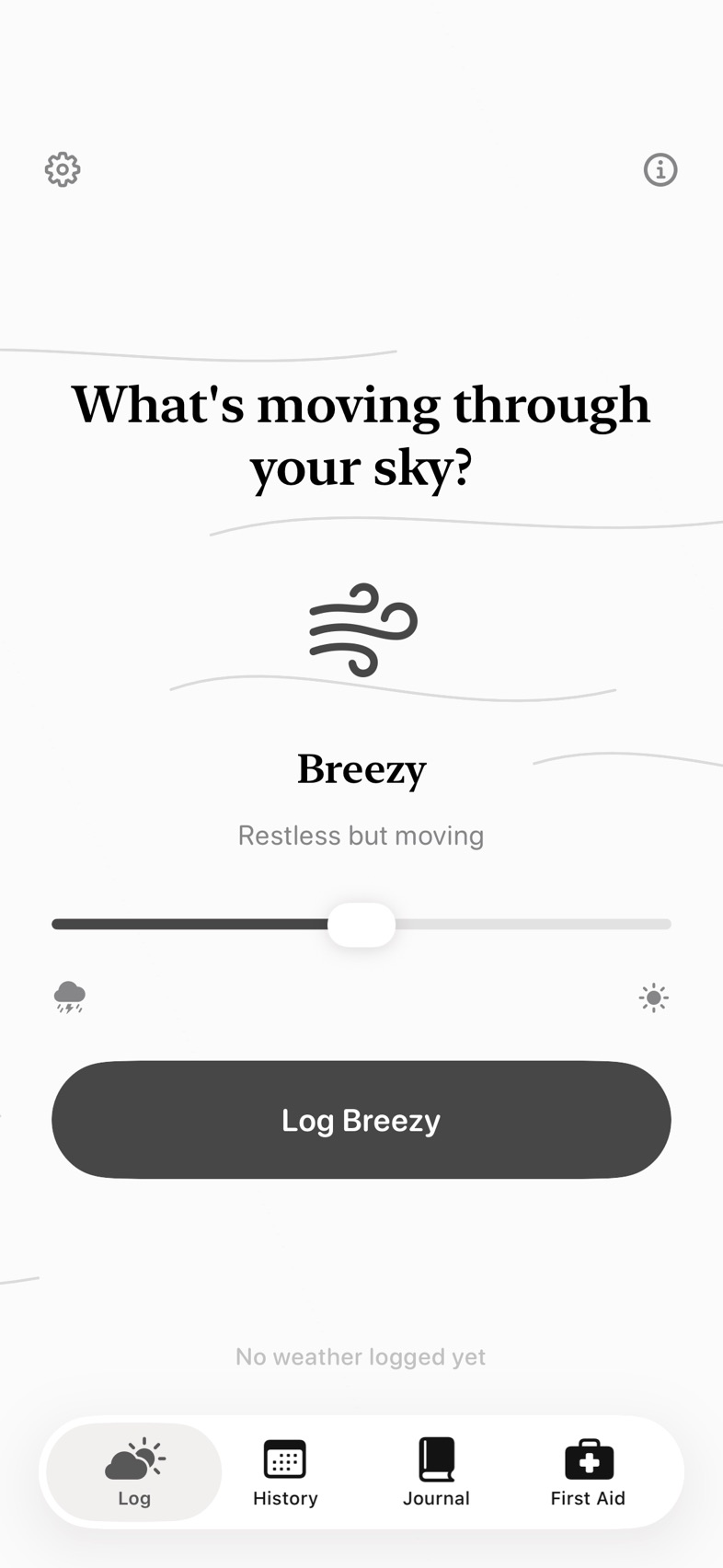
Inner Forecast check-in screen with Breezy selected on the weather slider.

A check-in, on your terms.

Built for everyday feelings. Even the mixed ones.Take a look inside

A feeling doesn’t need
a perfect word.

Start with the weather that feels closest. Add its intensity or a note when you want to say more. There’s room for more than one check-in in a day.

  1. Stormy

    Loud and charged

  2. Rainy

    Heavy but moving

  3. Cloudy

    Low and quiet

  4. Breezy

    Restless but moving

  5. Partly Cloudy

    Mixed but open

  6. Sunny

    Clear and light

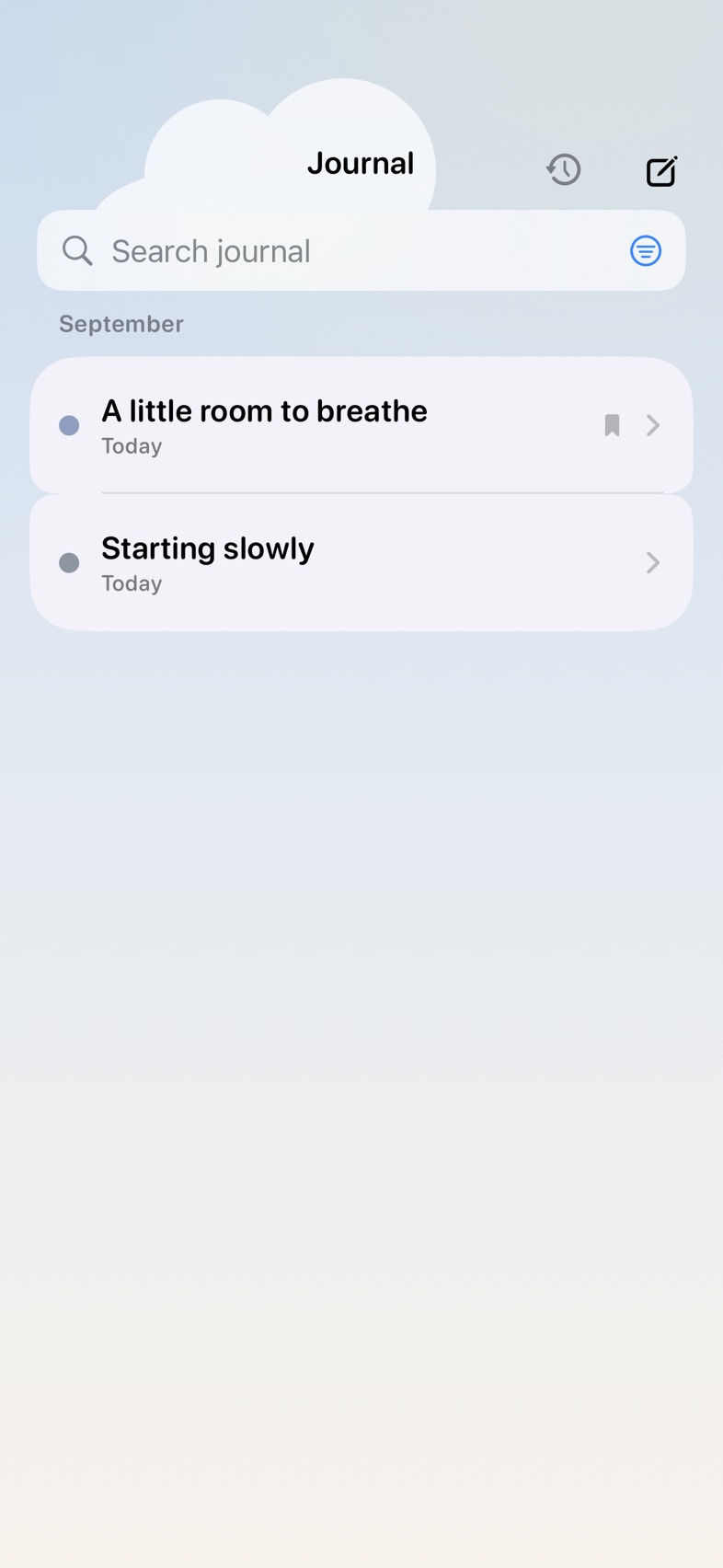
The journal, with entries grouped by month and a search field.

When there’s more to say

Leave a little
of the day here.

A sentence, a page, a thought you want to come back to. Write in your journal, add a little context, and keep the entries that matter to you.

Search your words. Find your kept entries. Pick up a draft.
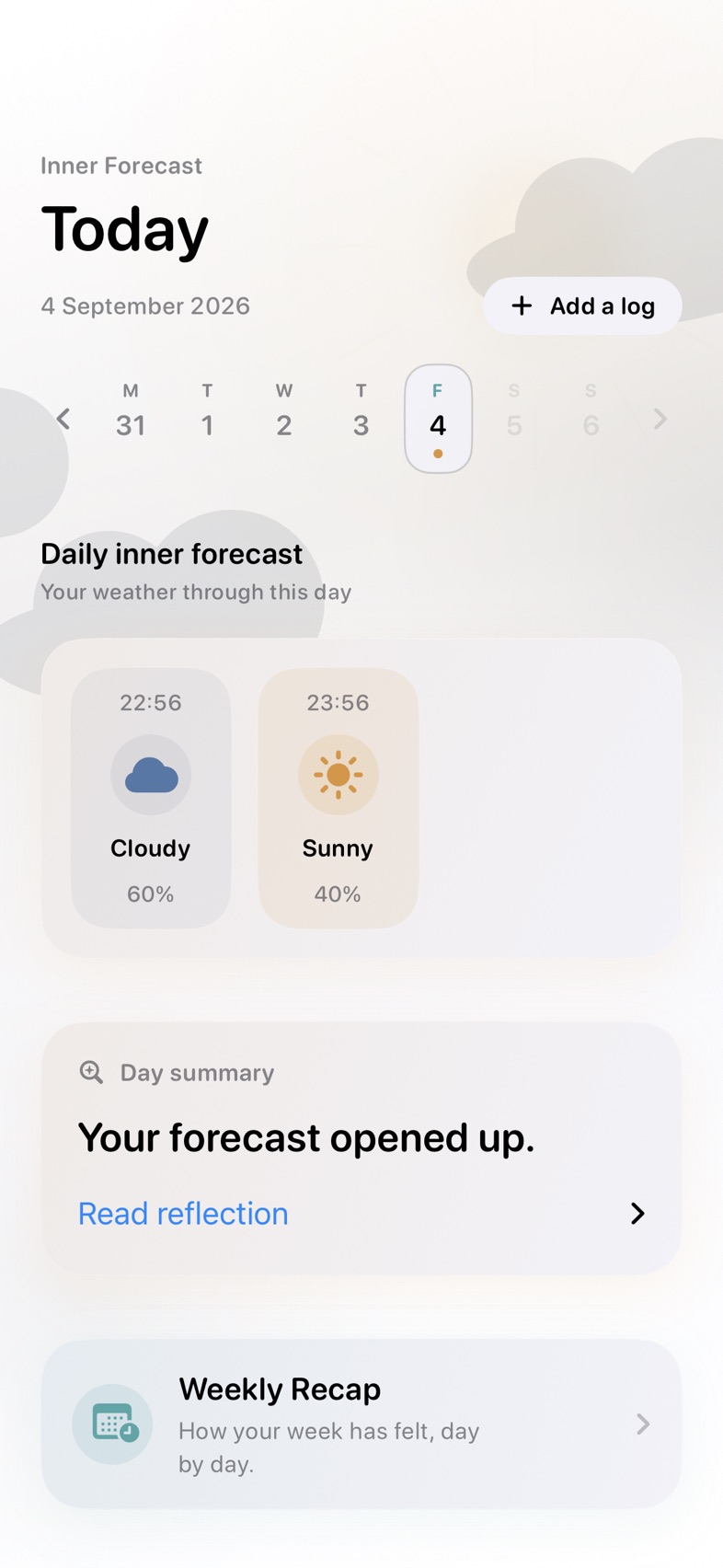
History showing two check-ins and a daily reflection.

When you look back

See how your
weather moved.

Revisit a day’s check-ins or step back for a weekly recap. Some days shift. Some stay much the same. You don’t have to turn either into a score.

No streak to protect. No catching up required.

The First Aid Kit

For the moments
that need a pause.

Follow a breathing exercise, try a grounding prompt, or find a small reset. The First Aid Kit is there when you want something to do with a difficult moment.

  • Guided breathing
  • Grounding exercises
  • Daily affirmations
  • Support resources

The same space.
A different feeling.

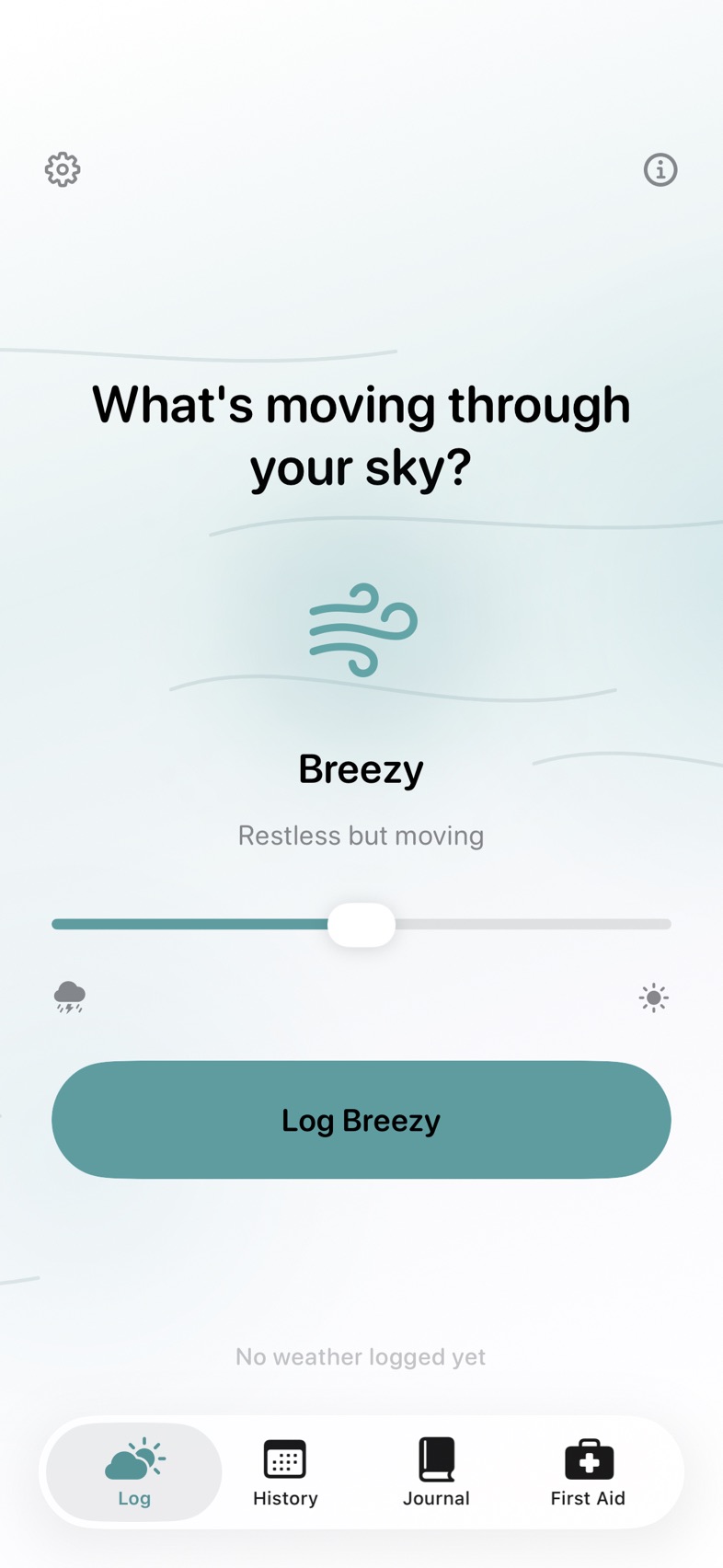
Weather in colour, a page of ink, or a quiet night sky. Choose a style that feels like somewhere you’d want to spend a moment.

Default style with a light background and coloured weather.
DefaultWeather in colour
Ink style with serif lettering and a paper-like background.
InkPaper and graphite
Nocturne style with a dark night sky.
NocturneA quieter night sky

Keep what works for you.

Rearrange your home screen and History, choose your tabs, and make your own colour palette. Add weather buttons, compact summaries or a quick-save shortcut if you’d like them.

New in 2.3

In your own words.

Describe each weather your way, see how it moves with the things in your day, and bring a calm summary to the people who support you. Lift has thirty new affirmations, and the Ink style now sits on warm cream paper.

The Inner Forecast app icon, with layers of blue opening into warm sunlight.

Your words

Rewrite the line under each weather in your own voice. Your words appear on your home screen, in History and on your widget.

Weather by context

See the weather you logged alongside each context, like work or sleep. It simply describes what you noted, with no scores or comparisons.

A summary to share

Make a calm PDF of a week or a month to show a therapist, carer or GP. Your notes and journal stay out unless you choose to include them.

Your words belong to you

Personal, without
the profile.

No sign-up, advertising, or tracking. Your journal and forecasts are stored on your device. Add a Face ID lock if you’d like another layer of privacy.

Where is my writing stored?

Your entries are saved in protected files on your device and excluded from automatic device backups. There is no Inner Forecast account or server holding your journal.

Can I keep a backup?

Yes. Export a backup and a readable text copy from Settings. You choose where to keep them. You can import an Inner Forecast backup later, and turn on a monthly reminder to make a copy. Backups can also carry your personalisation choices.

Can I share my check-ins with someone who supports me?

Yes. Share a summary makes a PDF of the dates you choose, right on your device. Notes and journal entries are only included if you turn them on, and nothing is sent until you choose where it goes.

What about Apple Health?

Sharing check-ins with Apple Health is optional and off by default. If you enable it, those entries are subject to Apple’s Health privacy and sync settings. Your journal writing is not sent to Health.

A note from the dev

I wanted a mood journal that didn’t become one more thing to keep up with and pay a subscription for. Miss a week, log twice in an hour, write nothing at all. There should still be a place for you here.

Whatever the weather,
start where you are.

Get Inner Forecast

For iPhone and iPad. Yours to make your own.